 By dio-go
When you share a link on WhatsApp, people first see a small card and only then decide whether to tap. If that card shows up empty, the link looks suspicious and many people ignore it.
What appears on the card
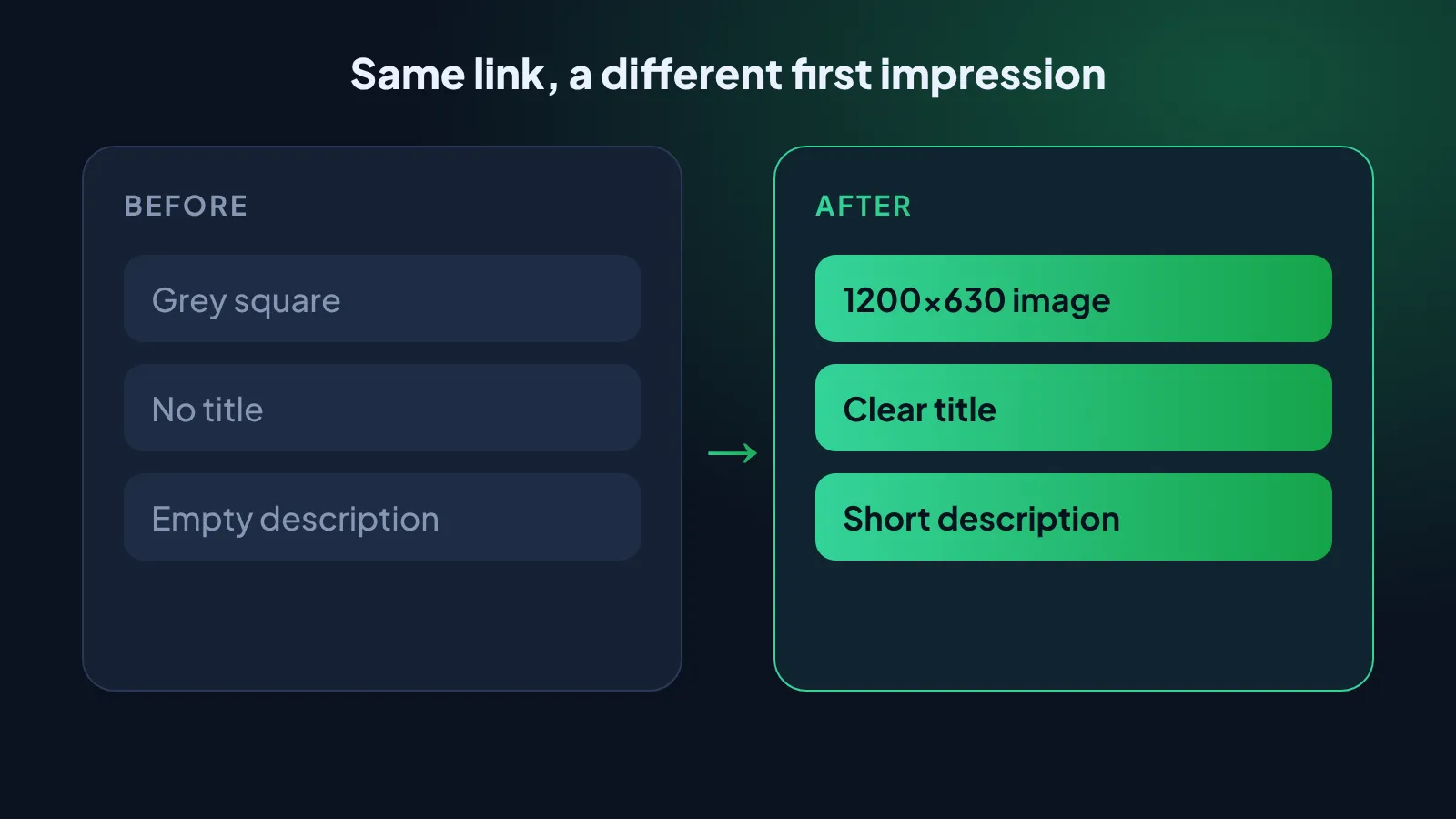
The preview shows three things, and all of them count.
- An image, ideally 1200×630 pixels
- A clear title
- A short description
How to improve your preview
- Pick a readable image. Few words and strong contrast.
- Write a direct title. Say what people will find.
- Add a short description. One sentence is enough.
- Test before you send. Check that everything shows up as expected.
Why this matters
People who receive your link in a chat do not see your page, they see the card. It is the first impression, and often the only one.
Common mistakes
- An image that is too small or cropped
- A generic title, such as “Home page”
- A blank description
- Changing the image without refreshing the preview
Try it today
Pick the link you share most and see how it looks in a chat. If something is missing, create a preview image and test again.
And remember to visit our link in bio on Instagram for more tips like this.