 By dio-go
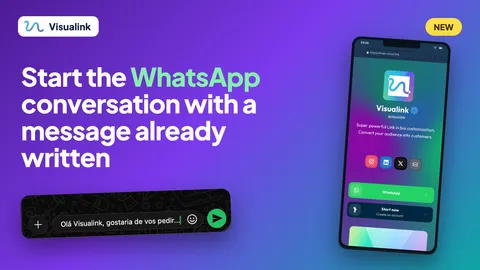
When someone messages you on WhatsApp, the first message is often just "Hi". You do not know what the person wants, and they are not sure where to start. Now, in Visualink, you can set a message to start the conversation: when they tap the button, WhatsApp opens with the text already written and all that is left is to send it.
What the prefilled message is
It is a text you choose, and it appears in the WhatsApp message box when someone taps your button. It is optional: if you do not set one, the button works as it always has.
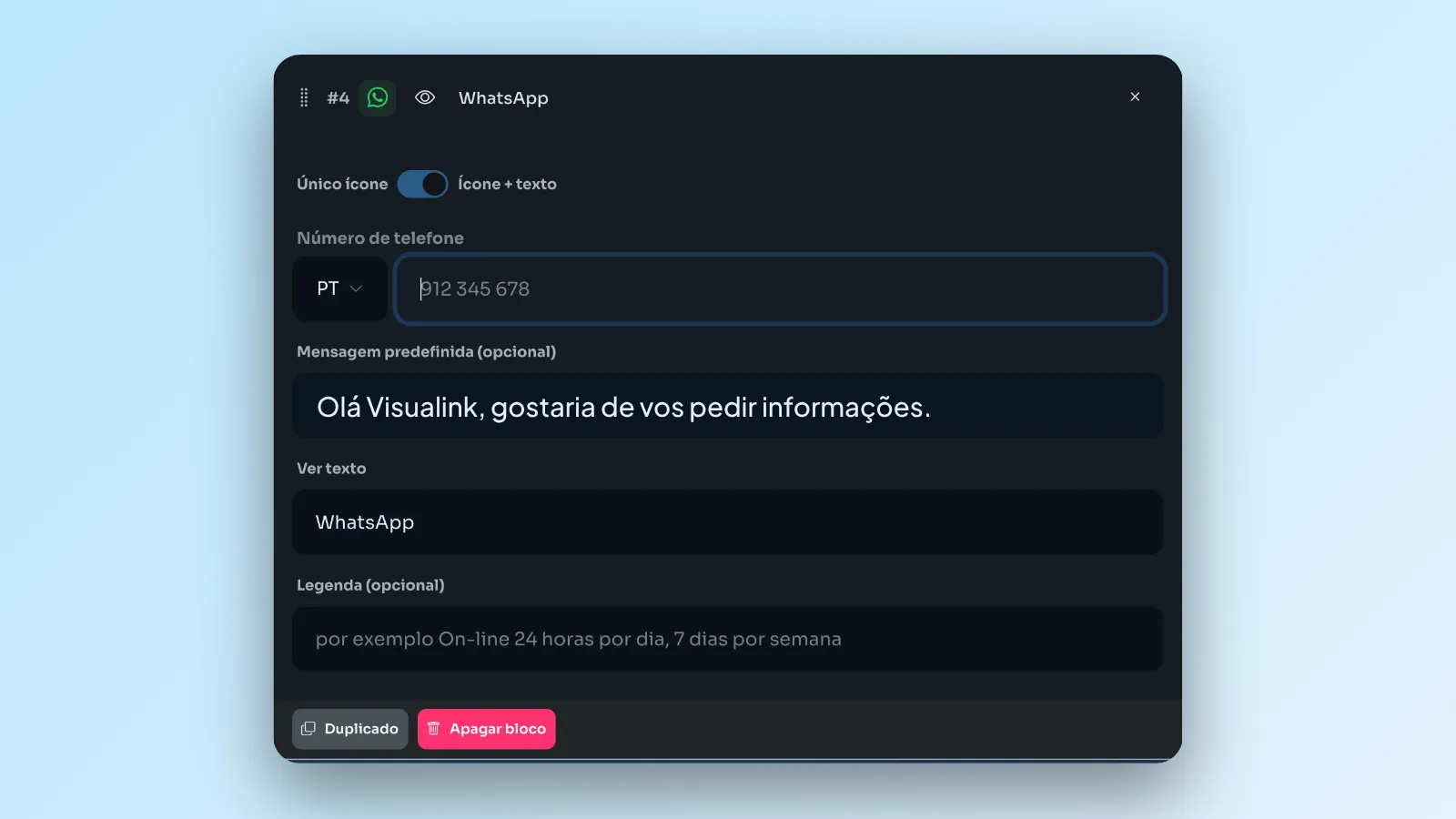
How to set it in the dashboard
- Add the WhatsApp block to your page.
- Enter your phone number, with the right country.
- Write the prefilled message. For example: "Hi Visualink, I would like to ask for some information".
- Publish your changes.
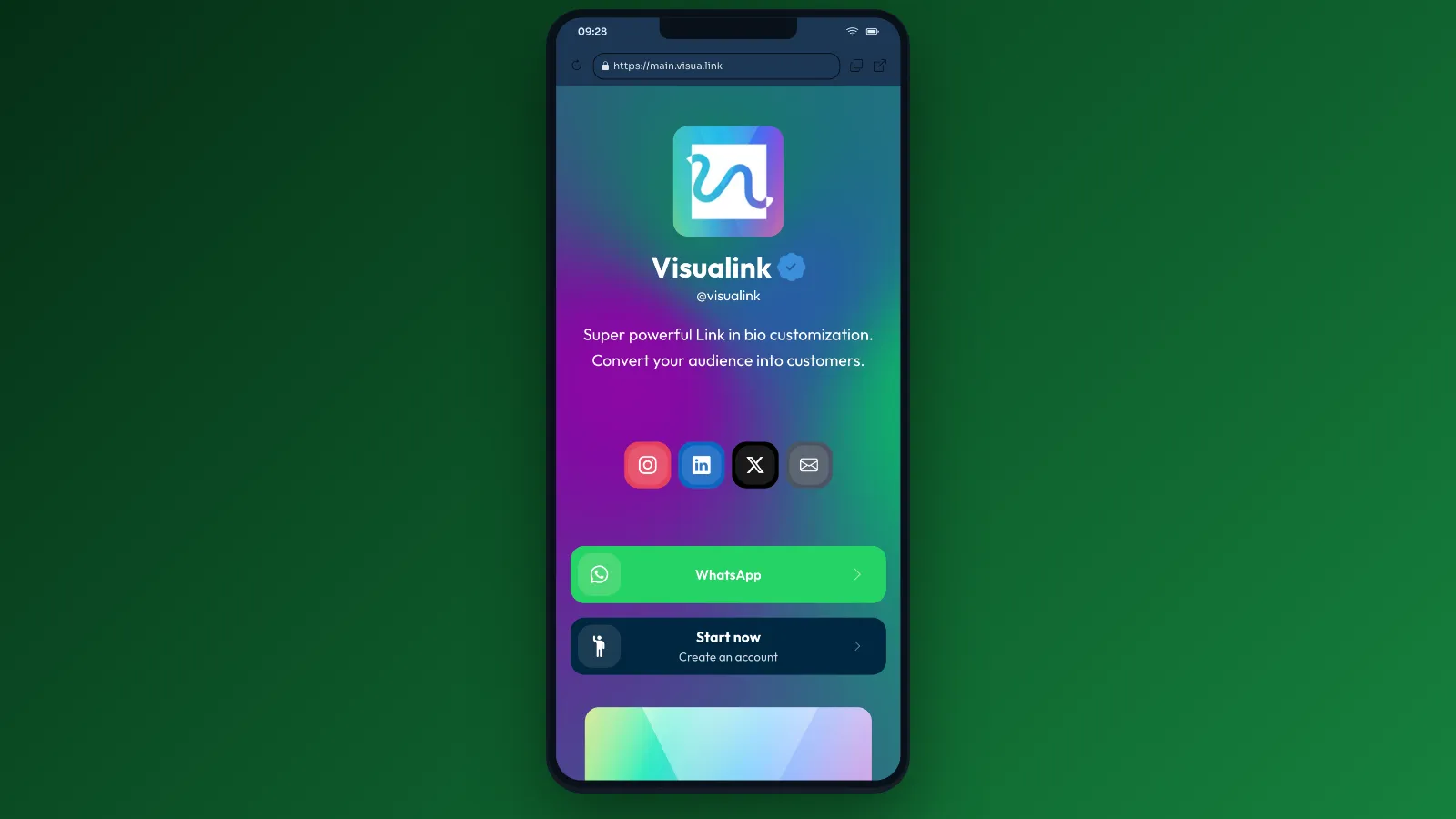
What the person sees on your page
Your page shows the WhatsApp button like any other link. There is nothing else to set up for visitors: they just tap the button.
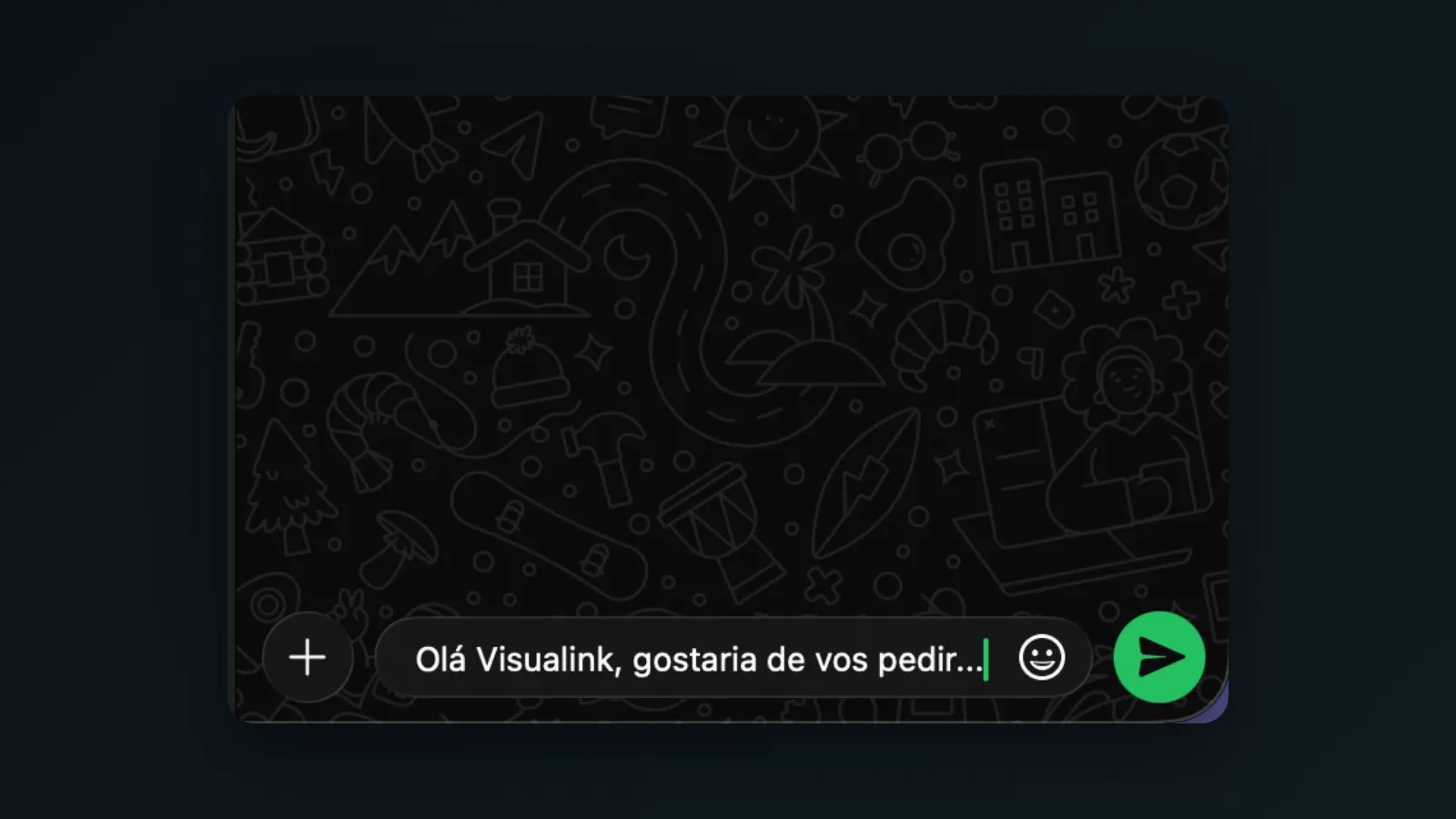
What happens when they tap
WhatsApp opens with the message already written in the text box. The person can read it, change it if they want, and send it. This way, you receive a conversation that already starts with context.
Message ideas
- "Hi, I would like to book a conversation."
- "I want to know more about your guide."
- "I saw you at the event. Can we talk?"
- "Hi, I have a question about your service."
Tips
- Keep it short. One or two sentences are enough.
- Say the reason. The clearer it is, the easier it is to reply.
- Try it yourself. Tap your own button from your phone and check how it looks.
To keep discovering ideas, visit our link in bio on Instagram and find out more at visua.link.