How LinkedIn reads your page
LinkedIn looks for Open Graph metadata such as og:image, og:title, and og:description. If any of those are broken, missing, or stale, the public preview card tends to degrade quickly.
LinkedIn Previews
Learn how LinkedIn scrapes Open Graph metadata, why the Post Inspector matters, and which failures most often break public cards.
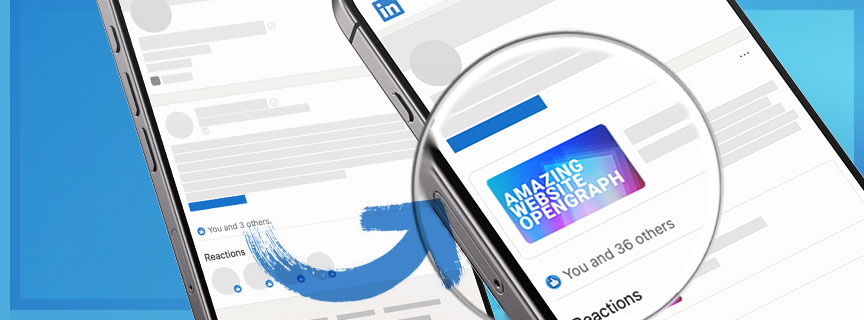
LinkedIn looks for Open Graph metadata such as og:image, og:title, and og:description. If any of those are broken, missing, or stale, the public preview card tends to degrade quickly.
Common causes
LinkedIn can hold onto stale metadata, so even a correct fix may not show immediately.
Undersized or badly formatted images often lead to empty or broken preview cards.
The official Post Inspector is the fastest way to check when LinkedIn last crawled a URL, surface obvious metadata issues, and force a fresh scrape after a fix.
<meta property="og:title" content="Your Professional Title" />
<meta property="og:image" content="https://example.com/social-card.png" />
FAQ
Low-resolution images are the most common cause. Use at least 1200x630 for a cleaner professional card.
Crawler blocking, robots rules, or infrastructure-level bot protection can all prevent LinkedIn from reading the page.
No. Once the post is published, the preview is effectively baked into that post.
Repeated metadata refreshes during active campaigns are expensive and easy to get wrong. Visualink gives marketing and operations a controlled public layer.