 By dio-go
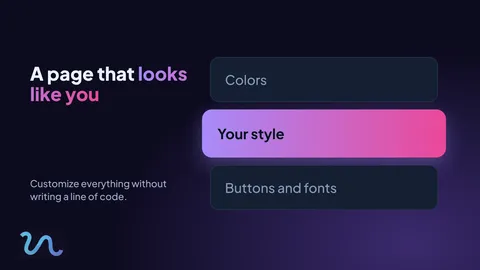
When someone lands on your page, they have seconds to decide whether to stay or leave. First impressions matter, and your page should look like you.
What you can customize
In the editor, open the Theme tab. Without writing any code, you can adjust:
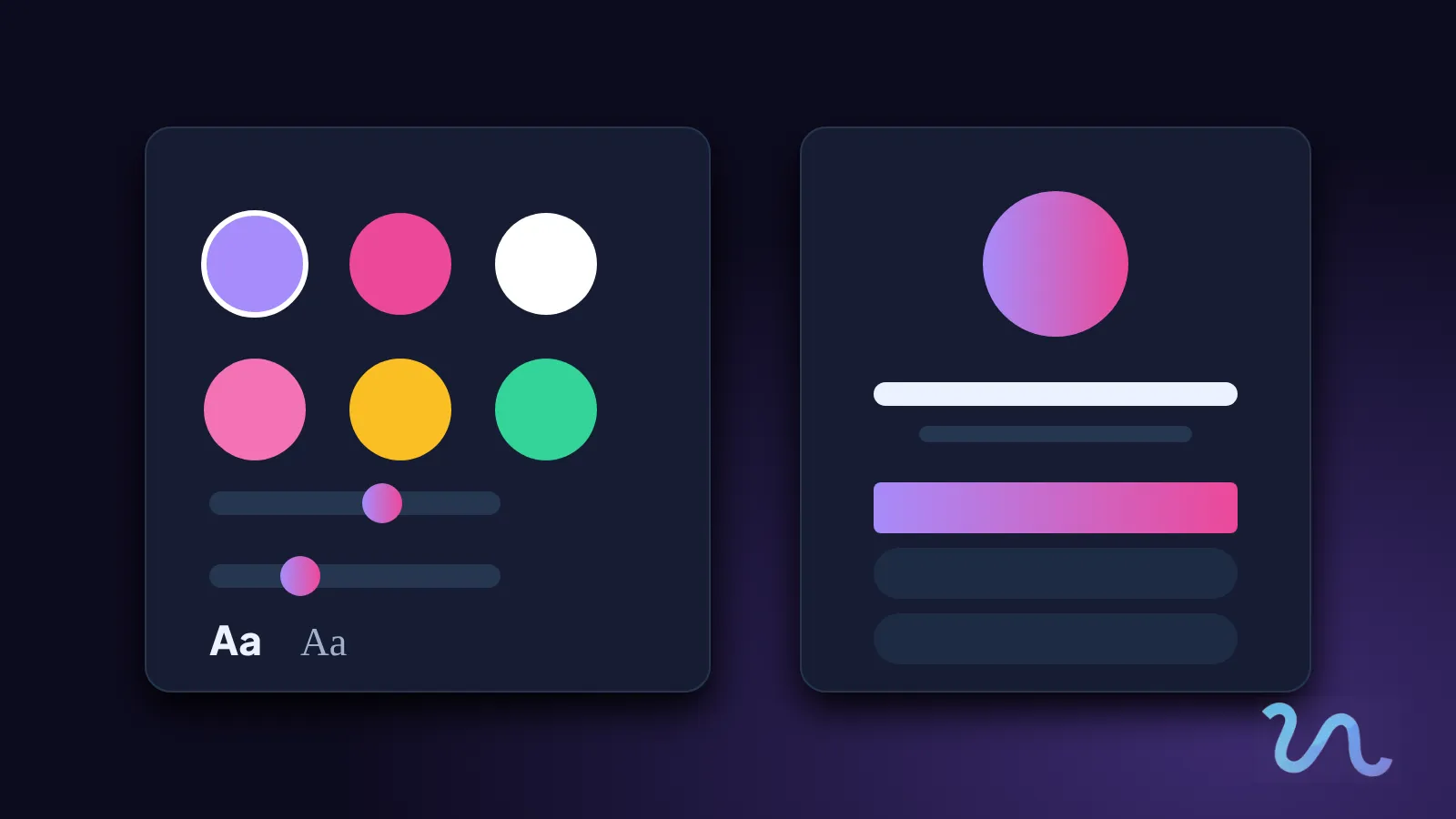
- Colors and gradients that match your brand.
- Corners rounder or sharper, depending on your style.
- Typography to set the right tone for your text.
- Buttons and icons that look the way you prefer.
Where to start
You do not need to change everything. Pick your main color, adjust the buttons and watch the result appear in the live preview.
To look consistent
- Use the same colors on your page, in your preview images and on your QR materials.
- Choose an address that is easy to say out loud.
- If you have your own domain, message us on Instagram and we will connect it.
The more your page looks like you, the more trust it conveys.
Visit our link in bio on Instagram and find out more at visua.link.