 By dio-go
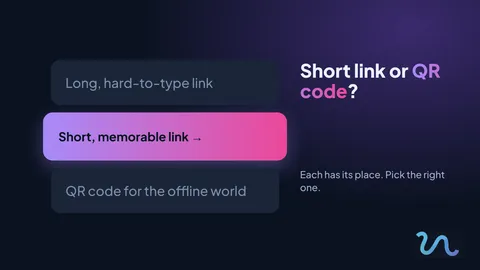
A long link is hard to say out loud, hard to copy and hard to trust. A QR code, on the other hand, only works if someone has their phone at hand. Knowing when to use each one makes a real difference to how many people reach your page.
What is a short link
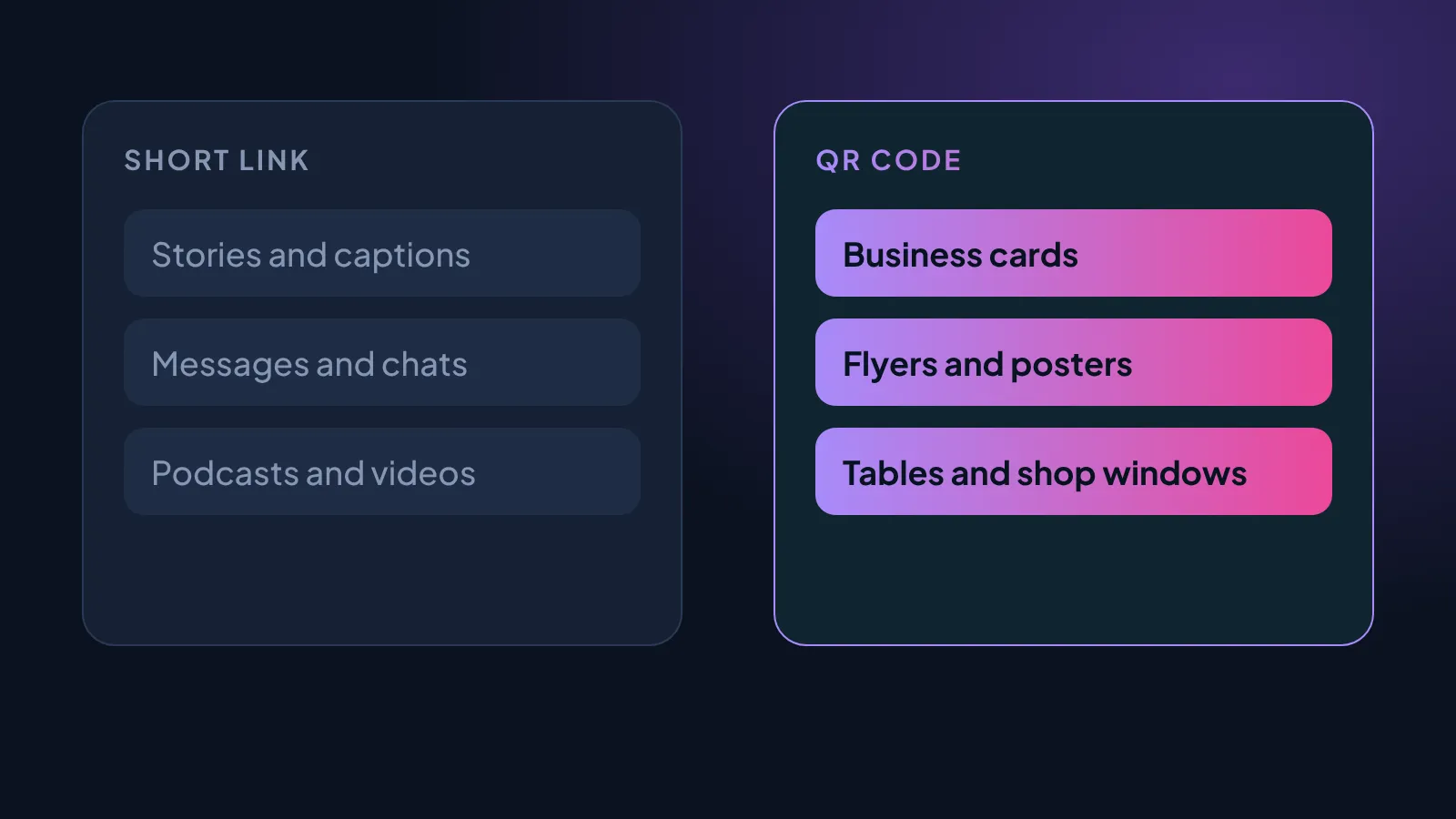
It is a small, easy-to-remember address that leads to your page. It works well wherever people have to read, hear or type the address.
- Captions and stories
- Messages and conversations
- Podcasts, videos and presentations
What is a QR code
It is a pattern that people scan with their phone camera. It works well in the physical world, where typing an address would be a hassle.
- Business cards
- Flyers, posters and shop windows
- Tables, menus and packaging
How to choose your short link name
- Keep it short. The fewer characters, the easier to remember.
- Use real words. Avoid meaningless numbers and symbols.
- No spaces or accents. They work better in every app.
- Tie it to the content. The name should hint at what people will find.
Test before you share
Share the link in a chat with yourself and check how it looks. A good image and a clear title make people click with more confidence.
- Open the link on your phone and on your computer.
- Scan the QR code with the camera from a distance.
- Check the preview in a chat.
Do it today
Pick a situation where you usually share your page and decide whether a short link or a QR code fits best there. Then test it. It only takes a few minutes.
And remember to visit our link in bio on Instagram for more tips like this.