 By dio-go
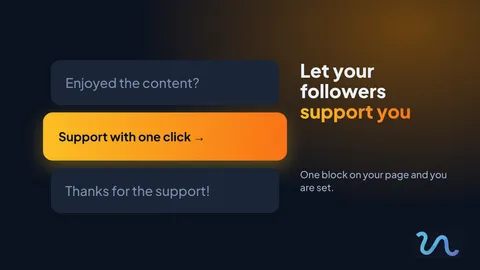
People who enjoy what you do often want to give something back, but they do not know how. If supporting you takes effort, the impulse fades. A support block on your page solves that with one click.
When it makes sense
Tips and donations work best when there is already a relationship of trust with your followers.
- Creators who share free tips or tutorials
- Musicians, artists and makers
- Community projects and personal causes
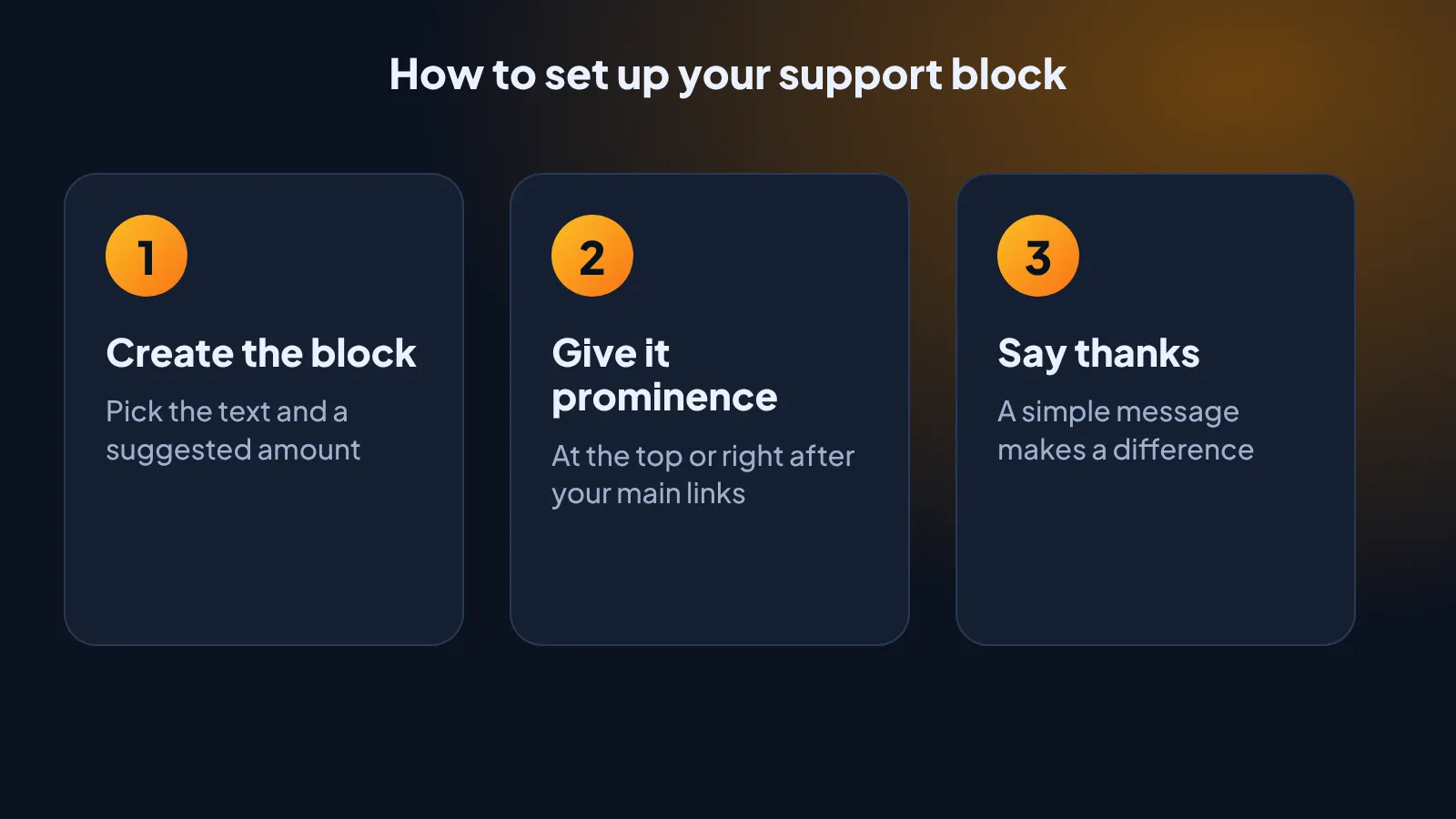
How to set up your support block
- Create the block. Pick the text and a suggested amount.
- Give it prominence. At the top or right after your main links.
- Say thanks. A simple message makes a difference.
Who benefits most
If you already have a page with your main links, you only need to add one block. Your followers see right away where they can support you, without leaving the same page.
Tips for asking for support without pressure
- Explain what the support is for, such as new equipment or time to create.
- Suggest small, affordable amounts.
- Always say thanks, in public or in private.
- Do not replace your content with requests. Keep giving value first.
Try it today
Choose the text for your support block and add it to your page. You can adjust it later, depending on what works.
And remember to visit our link in bio on Instagram for more tips like this.