 By dio-go
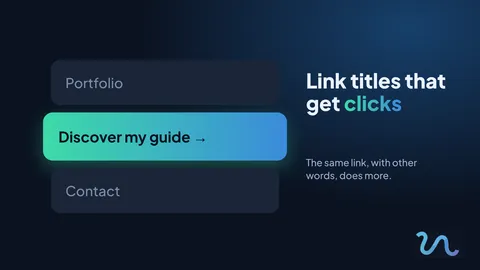
Has it ever happened that you have a great link and nobody clicks it? Often the problem is not the link, it is the title. The same destination, with different words, can do much more.
What makes someone click
Whoever sees your page decides in seconds. A good title answers three questions effortlessly:
- What is this?
- What do I get if I click?
- How much time or effort will it take?
Three simple rules
- Be specific. "Guide" says little; "10-page guide to organise your week" says it all.
- Start with a verb. Discover, download, book, see. The verb adds movement.
- Say what the person gets. Focus on the result for the reader, not on the name of your product.
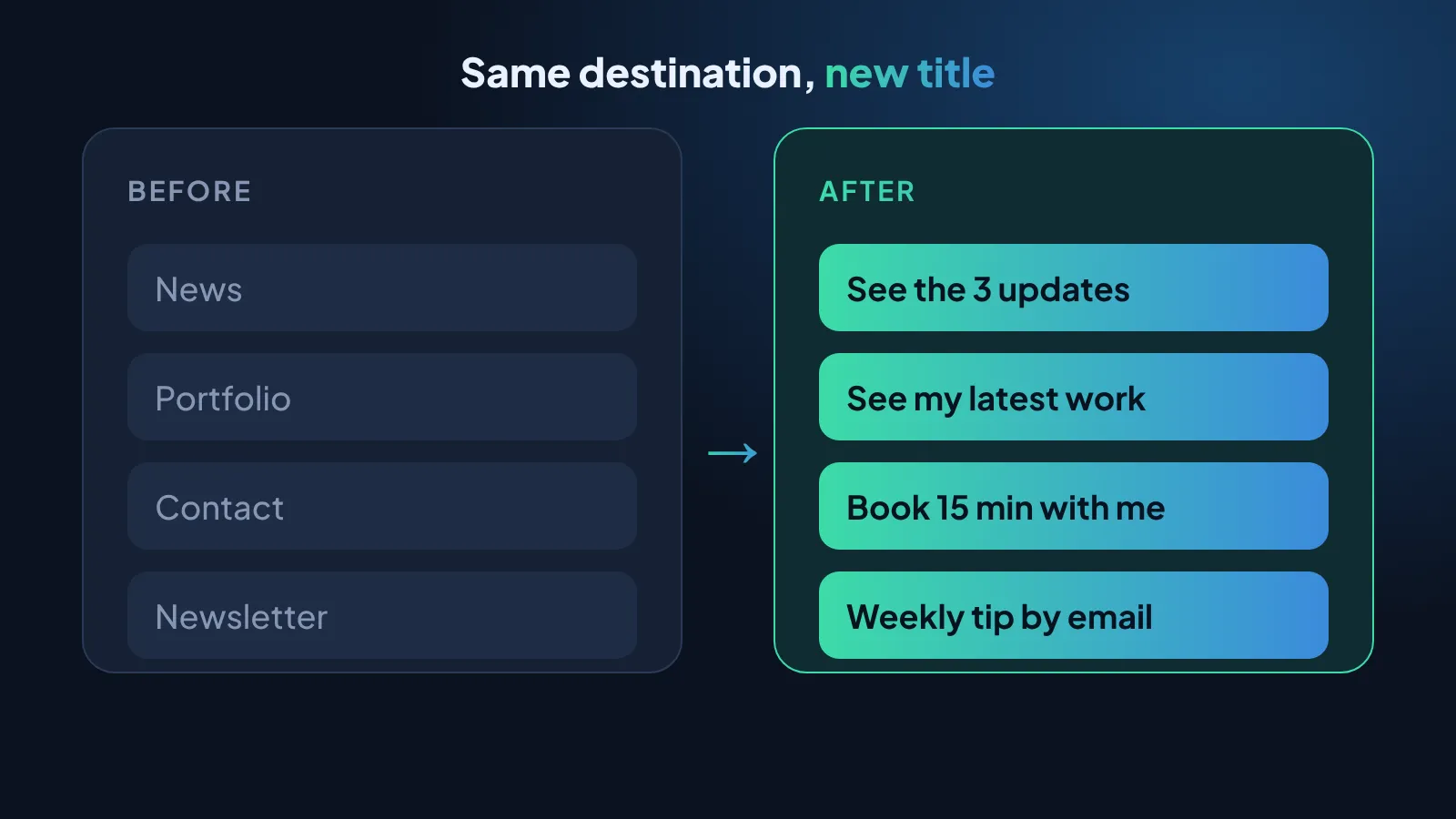
Before and after
- "Portfolio" becomes "See my latest work"
- "Contact" becomes "Book a 15-minute chat with me"
- "Newsletter" becomes "Get a practical tip every week"
A clear title saves people the doubt of whether to click or not.
How to test it on your page
You do not need to change everything. Pick your most important link and follow these steps:
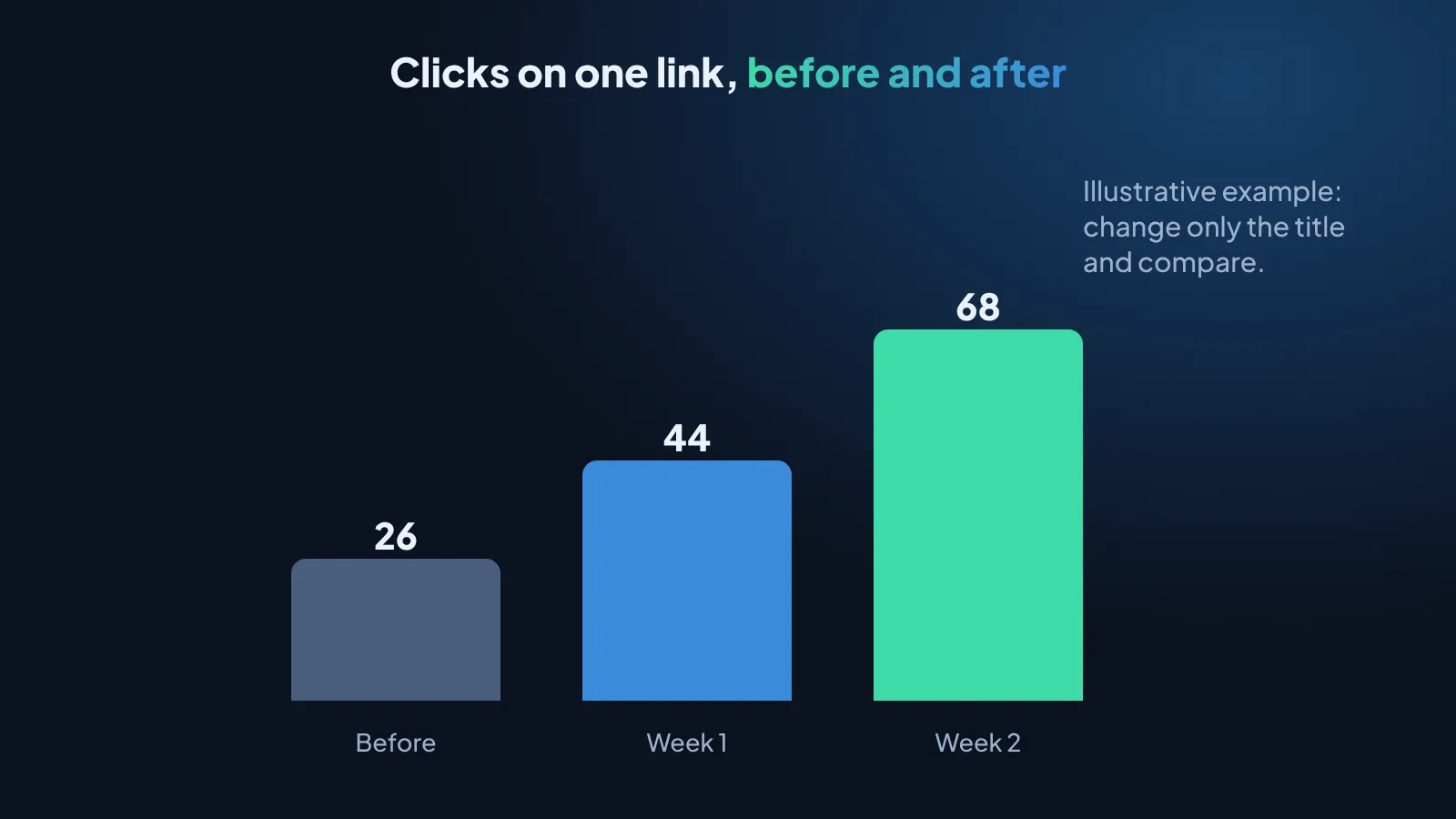
- Note how many clicks it got last week.
- Change only the title, applying the three rules.
- Wait a week and compare.
- Keep what worked and repeat with the next link.
Quick tips
- Avoid titles like "Click here" or "Learn more".
- Keep titles short: they fit better on a phone.
- Use the same tone on every link, as if you were talking to the same person.
- Review your titles from time to time; what worked months ago may not work now.
Do it today
Open your page, pick one link and rewrite its title. It takes two minutes.
Update your titles with Visualink
And remember to visit our link in bio on Instagram for more tips like this.