 By dio-go
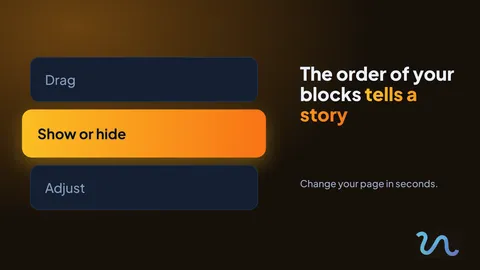
Your page is made of blocks: your profile, social networks, buttons, spacers and other elements you add along the way. The order they appear in tells a story, and you can change it in seconds.
Three controls on every block
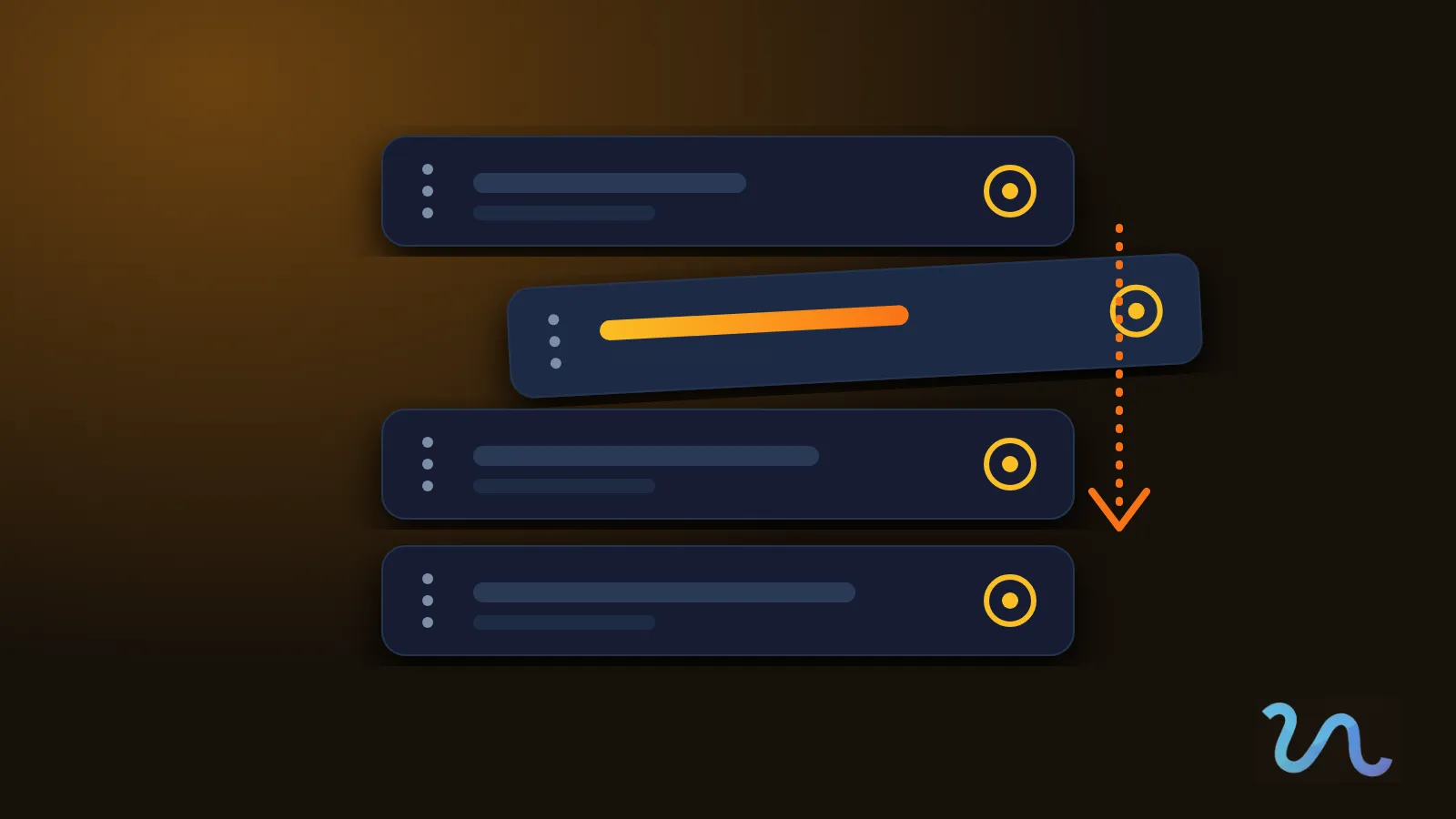
In the editor's Content tab, each block has:
- The handle on the left, to drag the block up or down.
- The eye, to show or hide the block without deleting it.
- The settings, on the right, to adjust the content.
How to organize
- Put the most important thing at the top. People see the first two or three blocks first.
- Hide what is not ready yet. It stays saved and comes back when you show it.
- Use spacers to let the page breathe and to group blocks that belong together.
- Check the preview. See how it looks on a phone, where most visits happen.
Review it from time to time
Your project evolves: new services, new content, new campaigns. Update your introduction, reorder the blocks and hide what no longer makes sense. One small tweak at a time is enough to keep the page alive.
Visit our link in bio on Instagram and find out more at visua.link.