 By Guillerming
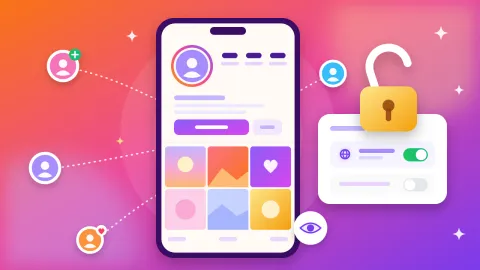
A public account lets people who don’t follow you see your posts and reels. Review which content you want to make visible before changing this setting.
- Open the Instagram app and go to your profile. Tap the ☰ menu to open Settings and activity.
- Find Account privacy. If you can’t find it, search the settings for “privacy”.
- Turn off Private account and confirm the switch to public.
- Check that Private account stays off. To verify what others can see, ask someone who doesn’t follow you to open your profile.
To use AutoDMs, you’ll also need a professional Creator or Business account. When it’s ready, go back to Visualink and choose Connect Instagram in Integrations.