 By Guillerming
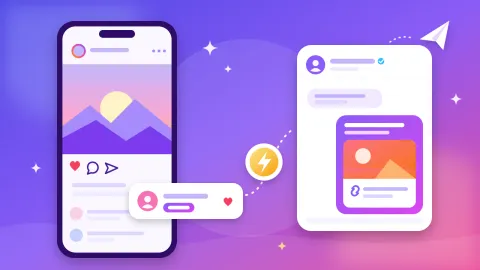
When a Reel says “Comment GUIDE and I’ll DM it to you”, that word triggers an automation. Visualink AutoDMs detects a matching comment on the post or Reel you choose and sends the commenter a private message with your link.
Get your Instagram account ready
You need a public professional Instagram account, either Creator or Business. These guides show you how to set it up.
Set up your first AutoDM
- Publish the post or Reel you want to use. In the caption, tell people what to type and what they’ll get, for example “Comment GUIDE and I’ll DM you the PDF”.
- Open Integrations in Visualink and connect the Instagram account that published the post.
- Open AutoDMs, create an automation, select the post or Reel, and enter the keyword from your caption.
- Write a short DM and add the resource URL. You can also write up to five optional public replies. AutoDMs picks one at random after the DM is sent.
- Enable the automation. From a different Instagram account, leave a new comment with the keyword, check that the DM arrives, and open the link.
What to write in the DM
“Thanks for asking for the guide! Here’s the link to download it.” Use the same name for the resource as in your caption.
If the message doesn’t arrive
Check your AutoDM results and confirm that you selected the correct post and that the automation was active when the comment appeared. To test again, use a different account that hasn’t already received the DM for that post.